Every step, in clear view.
Your client portal
Every client gets a private portal for their website. Set it up a few answers at a time, compare drafts, ask for changes in your own words and see how people find you. You always know what is done and what comes next.
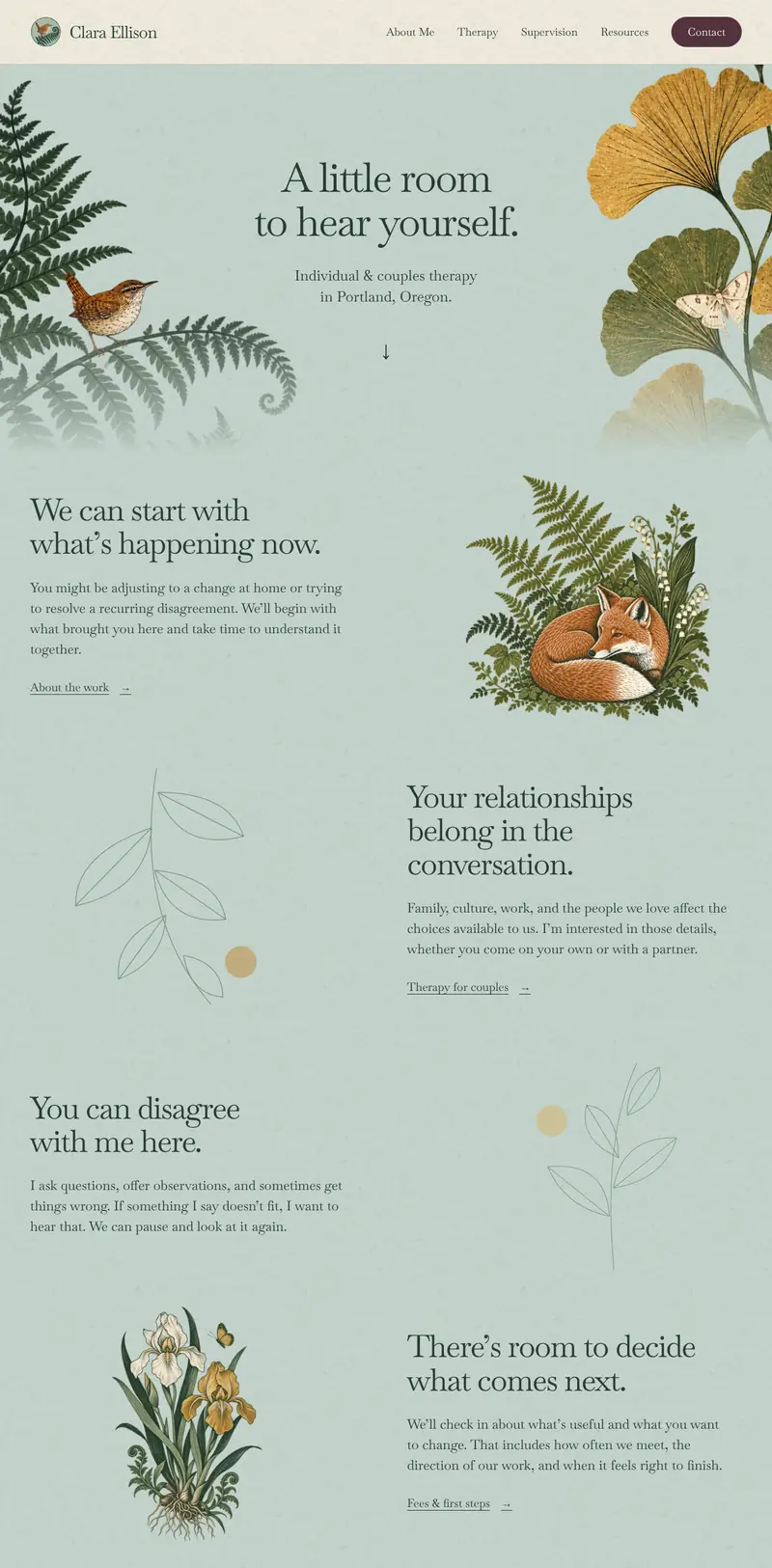
A website project shouldn’t live in your inbox.
Always know what’s next.
Your overview shows where your website stands and anything we need from you.
One thread for each request.
Your message, our replies, your files and the preview stay together, so nothing gets lost in email.
You decide what goes live.
You choose the design, approve it before launch and see the changes you ask for on a preview of your site.
Getting started
Set up your website a few answers at a time.
The portal walks you through eight short sections, from your practice and your approach to your fees and your domain. Short answers are enough.
- Skip anything you’re unsure of. We help fill in the gaps.
- Speak an answer instead of typing it, then edit the words.
- Your answers save as you go, so you can stop and come back.
Your first draft arrives within two business days of finishing setup.
Your design
Compare your drafts. Choose what feels like you.
Open each draft as a full page, pick the direction you like best and leave a comment on any of them. We build the rest of your website from your choice.
- Comment on one draft or the whole round.
- Two rounds of changes are included before launch.
- Nothing goes live until you approve it.
After launch
Ask for a change in your own words.
A new fee, a new group, a new photo. Write it the way you would say it, or say it out loud, and attach anything that helps. Each request keeps its own thread until it’s done.
- Attach photos, PDFs or documents, up to 10 MB each.
- Watch it move from received to in progress to ready for your review.
- Check the change on a preview of your website, then approve it.
Every plan includes up to 30 minutes of edits a month, and Active Visibility includes 60. Compare plans
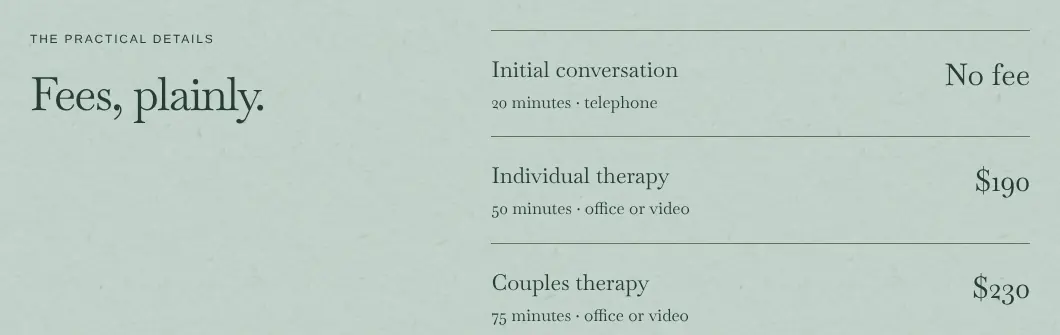
Your caseload
Full for now? Flip one switch.
Turn Accepting new clients off in your portal and your website updates within minutes. Its availability message, consultation invitation and the details search engines read change together.
- Existing clients can still reach you the usual way.
- Turn it back on when you have openings.
- Included on every plan.
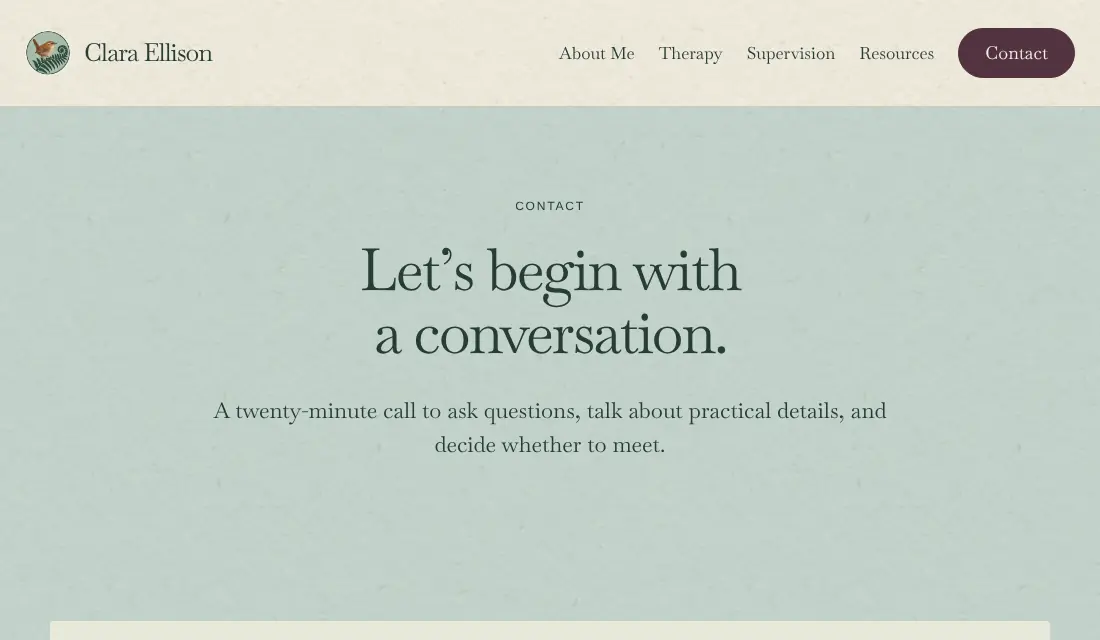
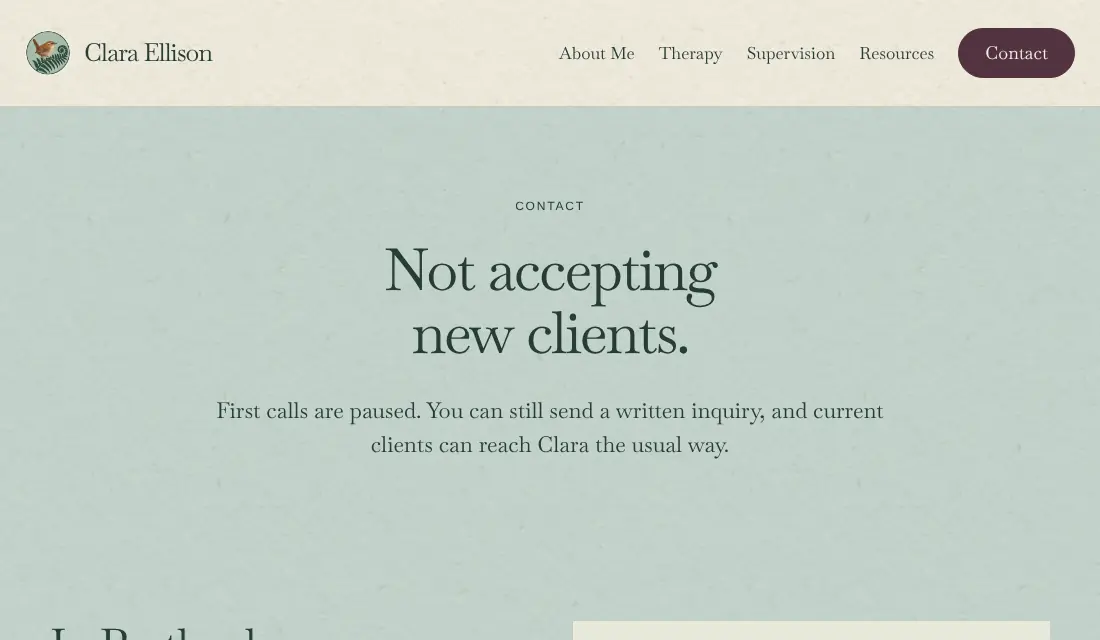
Time is shortened in this demo. Your website updates within minutes.
Your visibility
See how people find you, in plain numbers.
Your monthly report lives in the portal: visits and where they came from, how often you appeared in Google, messages from your contact form and what AI assistants say when someone asks about you.
- Every number says where it came from. When something can’t be measured, the report says so.
- Each month we ask AI assistants the same questions and show which answers name you.
- No made-up scores. You see the counts, what we did and what comes next.
The monthly visibility report comes with the Visibility and Active Visibility plans. The demo uses sample numbers from a fictional practice, and we don’t promise rankings, AI answers or inquiries.
The small things that make it easy.
Speak instead of typing.
Tap the microphone in an answer or a message and talk. You can edit the words afterward.
Drop in your files.
Photos, PDFs and documents go straight into your request. Only you and our team can open them.
Your domain stays yours.
It’s registered in your name, and your current website stays up until you approve the new one.
Billing in one place.
See your plan and invoices, and update your payment method through Stripe.
Works on your phone.
The portal fits a phone screen, so you can answer a question or check a request between sessions.
Help on every page.
Help and support is one click away, wherever you are in the portal.
Questions about the portal
- Is there anything to install?
- No. The portal runs in your web browser. You sign in with a link we email you, so there is no password to remember.
- Who can see my portal?
- You and the Therapy Visibility team. Visitors to your website never see it.
- Should I put client information in it?
- No. The portal is for your website, so please leave out anything about the people you see in therapy.
- Does every plan include it?
- Yes. Every plan includes the portal, setup, drafts, change requests and the availability switch. The monthly visibility report comes with Visibility and Active Visibility.
Your portal opens the day you start.
Every plan includes it. Compare the three plans, then start your website or book a free 15-minute call.